Service advisor software
Service advisor software for dealer workshops, from the booked arrival to the paid invoice
Prompt CRM is service advisor software for the service desk of a car dealer. The advisor runs each visit on one digital workshop order, from the booking in the diary to the invoice the customer pays from a link on their phone. When a car needs the advisor, a task with a due time appears on their home screen. This page follows an advisor's day in the order the work arrives.
The demo is Autohaus Musterstadt, a fictional dealer. Sign in as Anna Berger, the service advisor, to check in today's cars and chase an estimate the customer has not answered yet.
01Bookings and arrivals
The day starts with the cars booked for today
After sign-in the advisor sees Needs you now at the top, each task with its due time, then today's arrivals, the cars in the workshop and the cars that are ready. Bookings come from the dealer's online booking page and from the advisor, who books phone customers into the diary. Both draw on the same sellable hours.

- A phone booking takes a known customer and car, or a new one, and suggests work that is due on the car, such as a recall, a due service or work the customer postponed last time.
- Customers get an e-mail 48 and 24 hours before drop-off inviting them to check in online.
- The arrivals list shows each car's drop-off time, whether the customer has checked in online, how many preparation items are still open, and how the customer gets around while the car is in.
- At check-in the advisor records the mileage, the warning lights that are on, the key tag and any damage, tapped onto an outline of the car. The customer signs, the order moves to Checked in, and the customer gets a link to follow the car.
02The workshop order
One digital workshop order per visit
Each visit is one workshop order. In the US it is the repair order, and many European dealers call it the job card. It holds the customer and the car as they were on the day, the concern in the customer's own words, every job line with its payer, the parts, the health check, photos and video, the approvals and the invoices. A stepper shows which of the eleven stages the car has reached.
- Each order has a preparation checklist. History reviewed is always on it. Parts pre-picked, concern clarified, recalls checked, warranty cover checked and mobility reserved are added when they apply.
- An order that waits on the customer, on a part or on tomorrow shows how long it has waited and who has to act next.
- Every task, message, decision and status change is written to the order's timeline, with who did it and when.
03Hand-off to the workshop
Checking a car in hands its work to the workshop controller
When the advisor checks a car in, its job lines join the planning board's list of work without a technician, and the workshop controller gets a task to allocate them. From then on, each finished step creates the next person's task with a due time.
| When | Task | Due in |
|---|---|---|
| The advisor checks a car in | Workshop controller allocates the job lines | 15 min |
| The technician submits a health check with red or amber items | Service advisor prices the findings | 15 min |
| The technician proposes extra work | Service advisor prices the extra work | 15 min |
| The customer approves parts | Parts advisor picks or orders them | 15 min |
| The promise time is at risk, or a part delivery slips | Service advisor agrees a new time with the customer | 15 min |
- Approved work goes into the queue of the technician already on the car. If nobody is, it waits on the planning board for the controller.
- When the advisor sets a new promise time, they type the reason, and the customer gets the new collection time with that reason by e-mail.
04Estimates and approval
Health check findings go to the customer as a link to approve
When the technician submits the vehicle health check, each red and amber item becomes a proposed job line with a suggested labor time or service package. The advisor sets the prices and presses Send to customer. The customer opens the link on their phone with no app or account, watches the technician's video, and approves, postpones or declines each item.
- Reminder, then a call.
- A customer who has not decided after 20 minutes gets a reminder e-mail. After 45 minutes the advisor gets a task to call them.
- Decisions by phone count too.
- When the customer decides on the phone or at the counter, the advisor records the decision on the order.
- The decision stays on the order.
- A decision on the link records who decided, when, on which items, at which price and from which IP address.
- Postponed work comes back.
- Postponed items stay on the car with their price and a follow-up date, and the next booking suggests them again.
Autohaus Musterstadt
Anna Berger, your service advisor
Audi Q3 35 TFSI
MU-XY 98712 V battery
€334.39
The battery failed the load test and has 58 % of its original capacity left. On a cold morning the car may not start.
Cabin filter
€63.55
The filter is dirty, so more dust and pollen get into the car.
05Customer messages
Customer replies land on the order with a task to answer them
Prompt CRM writes to customers by e-mail only, with no SMS or WhatsApp. Each order has its own conversation. The customer writes on their link or replies to any e-mail about the car, and the message appears on the order. The advisor gets a task to reply within 30 minutes and answers from the order screen. The answer shows on the customer's link straight away and goes out by e-mail.
- During a visit the customer hears from the dealer at each step: the booking confirmation, the online check-in invitation, the tracking link at check-in, the estimate, a new collection time, the invoice and the pick-up message.
- Booking e-mails go to every customer. All other e-mails go only to customers who agreed to receive e-mail about their car.
- Each e-mail goes out in the customer's language, English, German or French, and the dealer can rewrite every template.
06Invoice and payment
Prompt CRM drafts the invoice when the final check passes
The draft holds every approved and finished job line, with one document for each payer. The advisor gets a task to review it within 15 minutes, and the cashier issues it. The customer gets the invoice by e-mail with their link and can pay by card on a Stripe payment page.
- A card payment on the link marks the invoice paid, and the order moves to Ready for collection. An invoice paid at the desk or put on account moves it there as well.
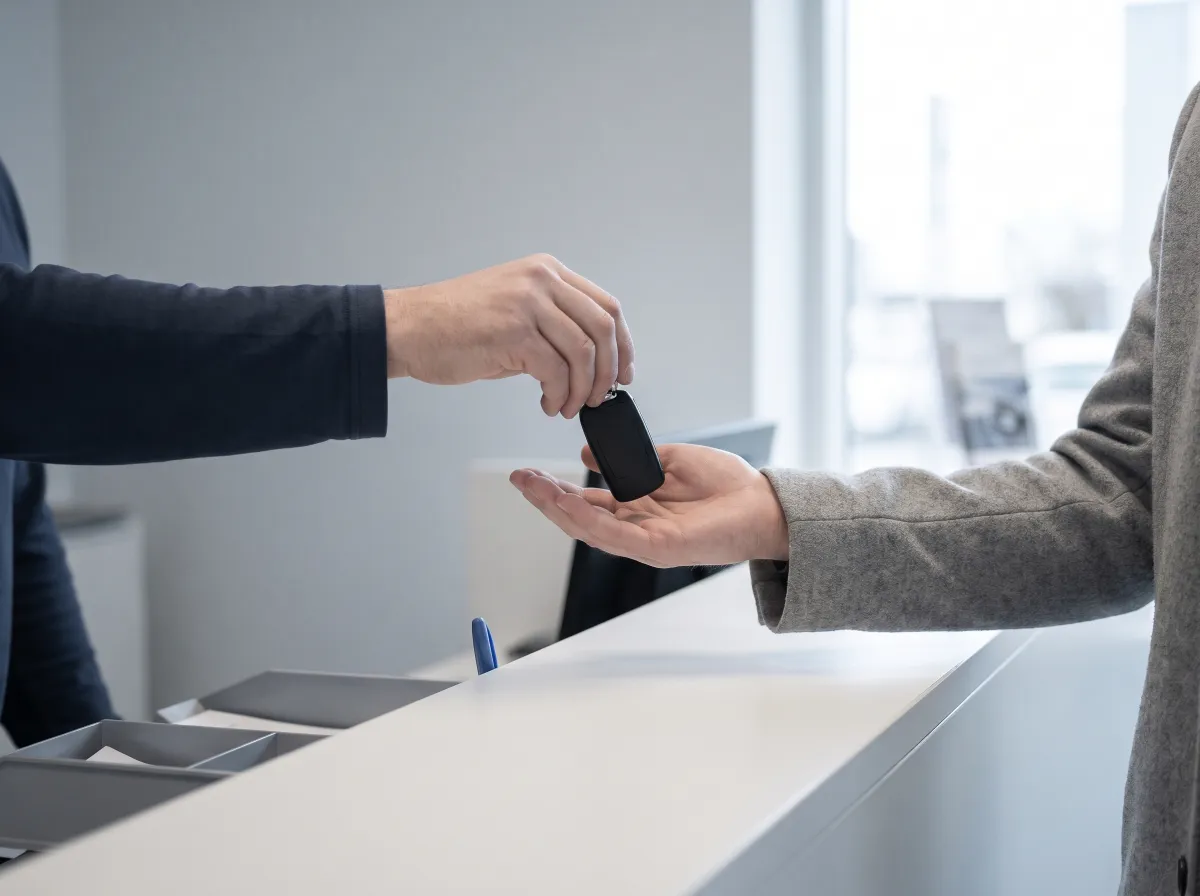
- The customer gets a pick-up message, and the advisor gets a hand-over task due within the hour. Its checklist covers explaining the invoice, showing the old parts, the next service date, the keys and the courtesy car.
- 24 hours after the hand-over the customer gets a short survey. A score below 7 gives the service manager a task to follow up.
Further reading
Guides for the service desk
Work a full day at Autohaus Musterstadt
The demo workshop is a fictional dealer with today's orders in every state. One waits for a part, one has waited 47 minutes for the customer, and one is ready to collect. Sign in as the advisor, the technician or the back office and work them.
Prompt CRM is new, and we are looking for pilot workshops.